
In this week's lesson we will consider the all important products and where to get product images from if you don't have your own. Or if you want to use your own product images how to have them photographed and presented.
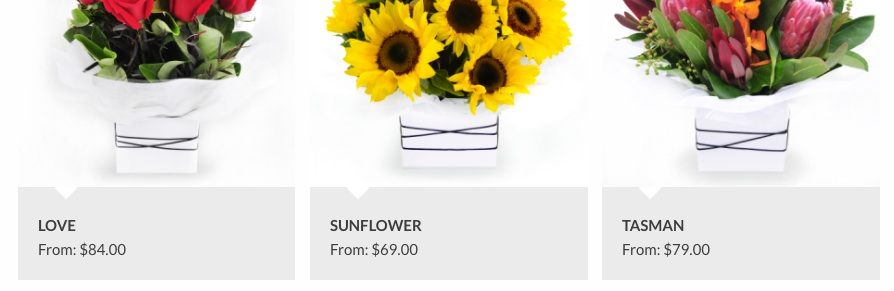
It's probably one of the toughest things that a florist has to decide when setting up their new website: whether to use one of the relay network images or use his or her own. Probably the most important aspect of your new website will be the images of your products. You must have the best images of your products that you can get and in there is one word to consider above all else:
Your images should all be consistent. You should have all your images either in landscape or portrait, never use a mix of the two. Some other key issues to consider about product images are:
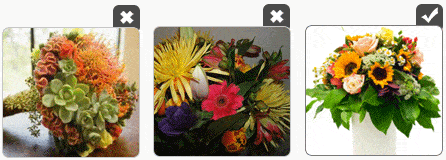
There are five options for sourcing images:
Flower Store In a Box will convert the images into the correct sizes for your website automatically so you just have to upload them once and all the thumbnails etc. will be created for you.

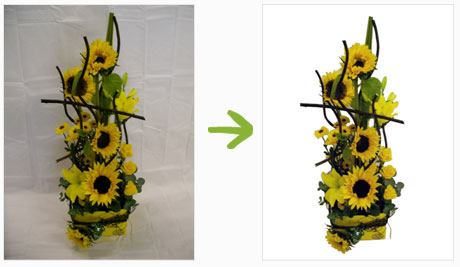
As a general rule of thumb we suggest using your own images ONLY if they are high quality images and have either the backgrounds removed (deep etched) or have outstanding good presentation.
There is a trend in online floristry to move away from the deep etched images and instead to have the products photographed in a lifestyle shot. This is a definite trend from American websites such as 1800 Flowers, but done well like Rambling Rose www.ramblingrose.com.au they can be beautiful. Taking your own pictures though can be a time consuming and costly exercise.

Pros:
Cons:
Some of the Relay Companies that you can use are:
| interflora image | petals network | 1300 flowers logo | Flowerman logo |
 Pros:
Pros:
Cons:
This is an extremely new area and currently the only company offering this service is Flower Book, an offshoot of Urban Flowers. They charge a monthly fee for you to have access to their entire product catalogue for use on your website.
Pros:
Cons:
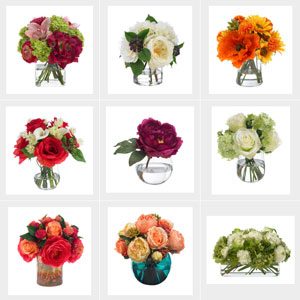
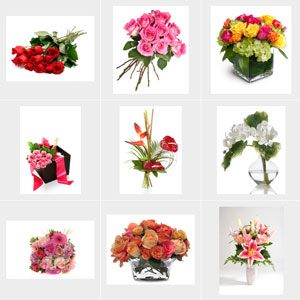
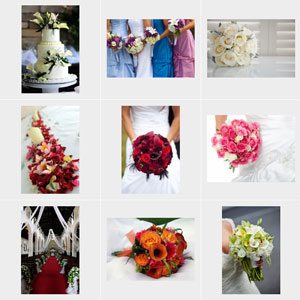
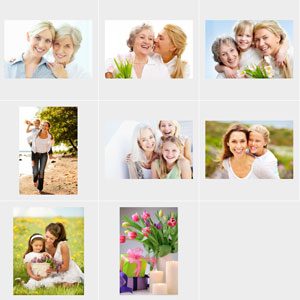
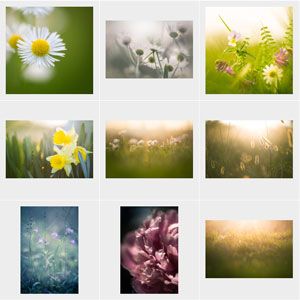
There are many stock photography websites where you can purchase licenses for use of individual images on your website. We have prepared some light boxes of images from iStock Photos:
 |
 |
 |
 |
 |
| View | View | View | View | View |
More Here: Dollar Photo Club
Pros:
Cons:
Google can analyze an image to see where else the image has been used online with their current Google Image search technology. As Google becomes more able to distinguish between duplicated images online there is a concern that they will rank sites using the same images poorly. At this stage we have not seen any of this behavior but there is every reason to believe that in the future this may occur.
If you do decide to have your own products photographed you need to obviously plan out the products and product categories; we explore this area more in week five and talk a little bit about it below.
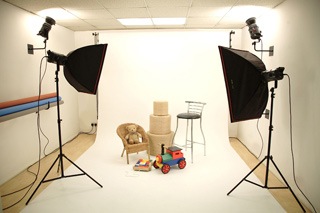
However you will need to decide whether you will be taking images to be deep etched or taking more lifestyle images. When planning your photo shoot here are some things to think about:
The most important aspect of your new website is your product catalogue. With product catalogues and categories: Less = More
Especially when you are setting a florist website up for the first time. It's far easier to have four main categories of products and 6 products instead of twenty product categories and five products in each.

So that means that you only have create 24 products instead of 100! If though you are wanting the average number of product categories of about 9 then you may need 54 products. Don't forget you can use the same image in multiple categories too.
As a general rule, each product should have a highly descriptive name:
IE instead of A Dozen Red Roses
The product name could be:

You should have at least 25 words of description too, I say 25 words but the best would be about 500 words for each product for maximum Search Engine Optimisation.
Your product should have a few options as well, for example for $50 more you may have a premium offering with Vase and Chocolates. It's amazing how customers will choose the more expensive option because they want to wow the recipient more. So you might have:
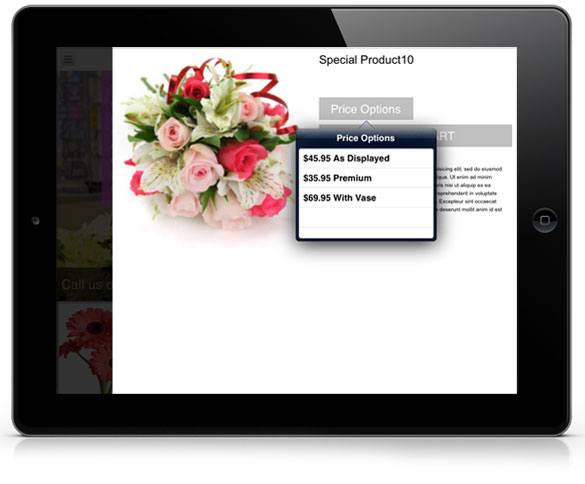

The shopping Cart allows you to up-sell additional products such as, Chocolates, vases etc. Only the following product Categories are pre-included for this:
Quick Links
Features