Published: Wednesday 11 May 2022

The order Management Screen has had a visual design update to make it fresher and easier to use.

The search bar and sorting criteria is now at the top of the screen so the order details can be shown full width across the page.

Colour Coded Orders

Each order is colour coded:

Green -> For Delivery Today

No Colour -> For Delivery In the Future

Red -> Overdue for delivery

Product Is Displayed

The first product ordered is displayed on the screen so it’s easy to see what is being added!

Pickup Icon

A new pickup icon is displayed if the order is for pickup

Pickup / Delivery Time

The pickup or delivery time is show in the row as well so it’s even easier to see.

Mobile design

We have added in a specific mobile version of the orders screen so you don’t have to scroll sideways for a better user experience on mobile.

Drew Wentzel

Drew Wentzel

Drew Wentzel is the principal of enflexion with over 30 years of experience in developing web services and software, Drew has helped design and develop usable and functionality rich Internet applications and built online presences for a wide variety of industries including retail, government, hospitality, lifestyle, corporate and technology companies.

Tags: New Features

Related Articles in New Features

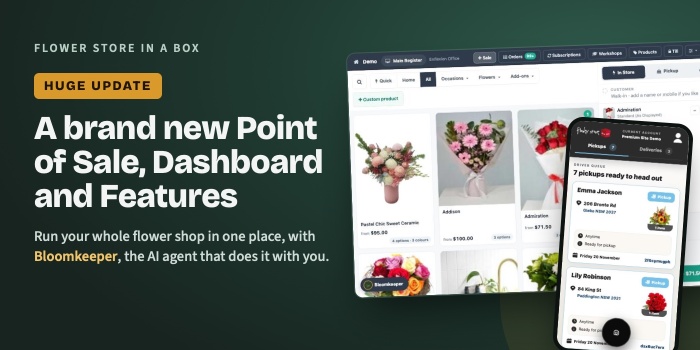
Huge Update: A Brand New Point of Sale, Dashboard and Features

Huge Update: A Brand New Point of Sale, Dashboard and Features

Our biggest update ever: a brand new dashboard with Point of Sale, manual orders and Bloomkeeper, the AI agent that helps you run your whole flower shop.
Read more
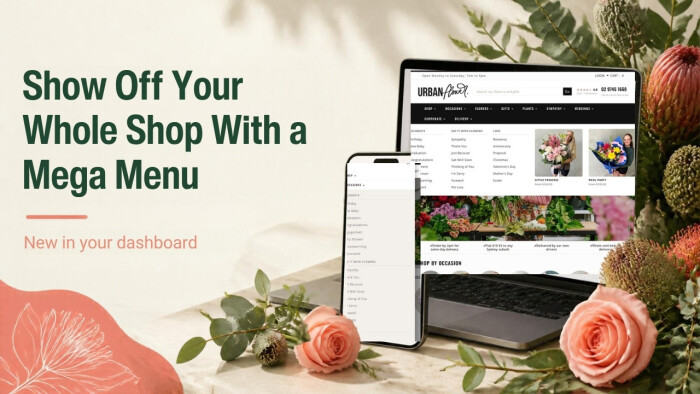
Show Off Your Whole Shop With the New Mega Menu

Show Off Your Whole Shop With the New Mega Menu

Turn your website's drop down menus into big, picture-rich mega menus with columns, featured products, a promo picture and a text card. Here's why it helps and how to switch it on.
Read more
Flower Store In A Box ™ - Copyright © 2026. All Rights Reserved