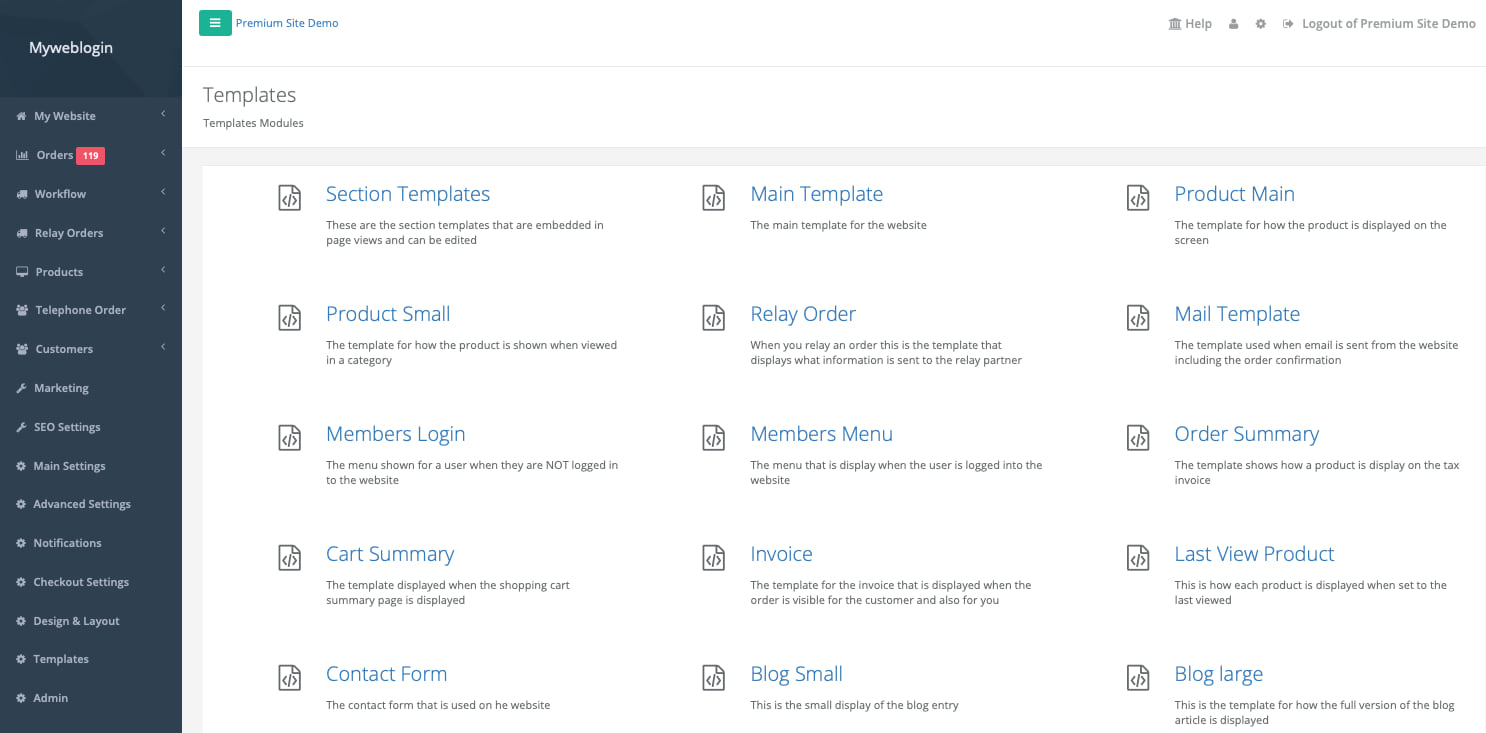
We have made some rather dramatic changes to way the menus on your Flower Store In a Box Website are structured. These changes are to make managing your website easier and more intuitive.
New Menus
We restructured the side menu into:
- Marketing
- SEO Settings
- Main Settings
- Advanced Settings
- Notifications
- Checkout Settings
- Design & Layout
- Templates

We have also added an icon and description for each of the options so its easier and quicker to find what you are looking for, or discover new features that you can use to enhance your customer's experience.
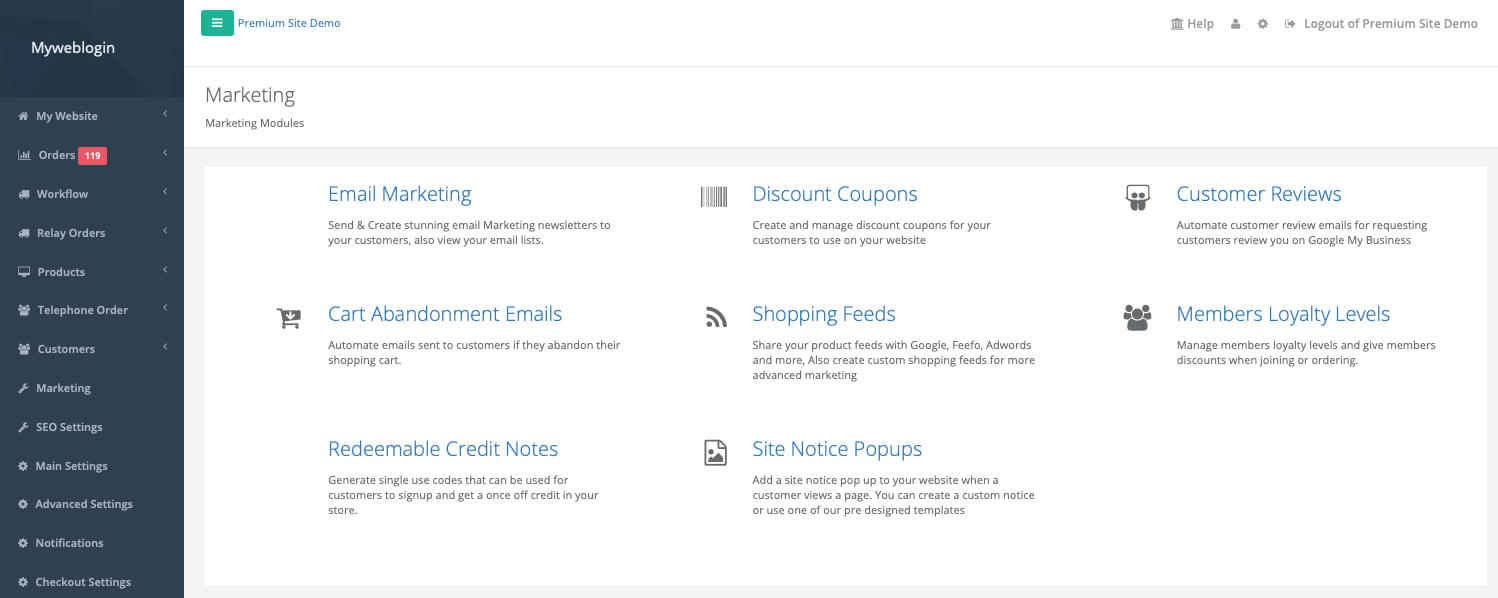
Marketing
We have pulled all of the marketing tools you have to use in your Flower Store In a Box website into one easy to use screen.
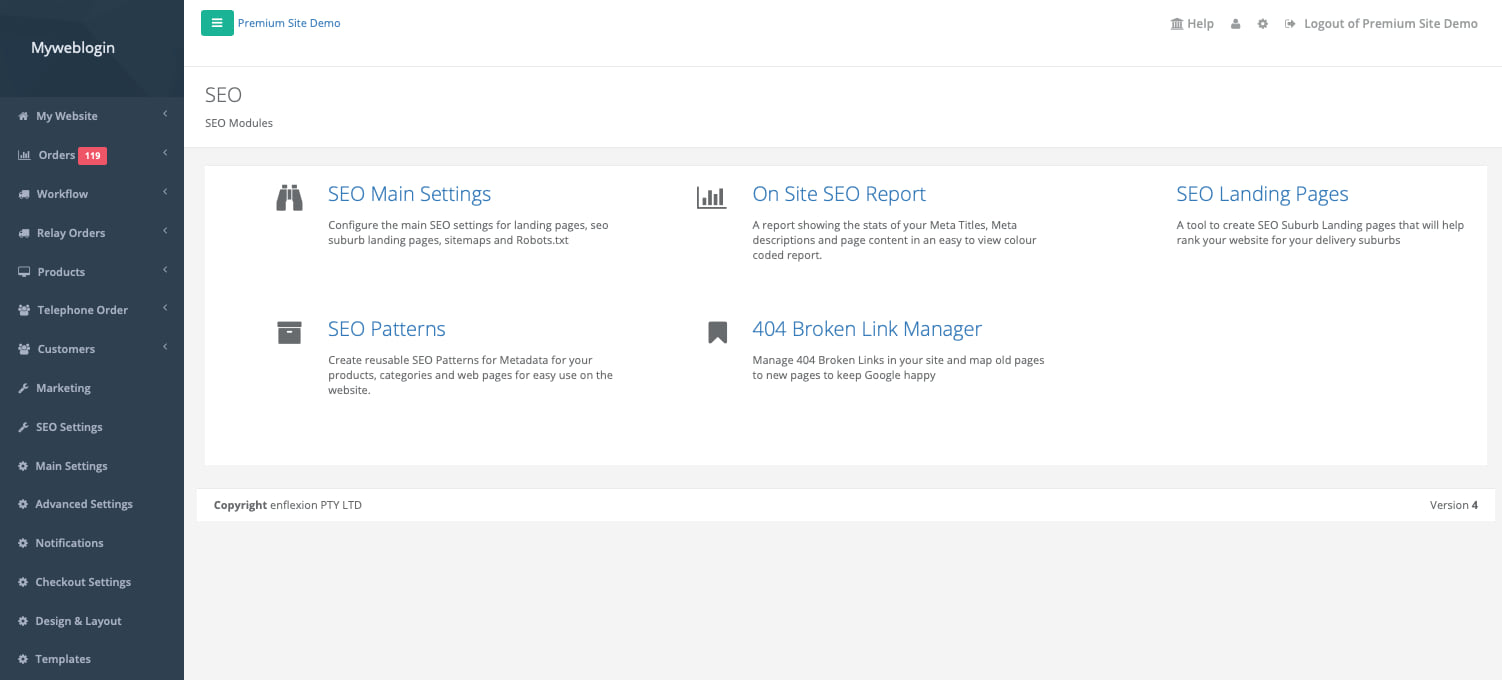
SEO Settings
The SEO Settings include your shopping feeds, sitemaps and SEO Suburb Landing Pages Tools
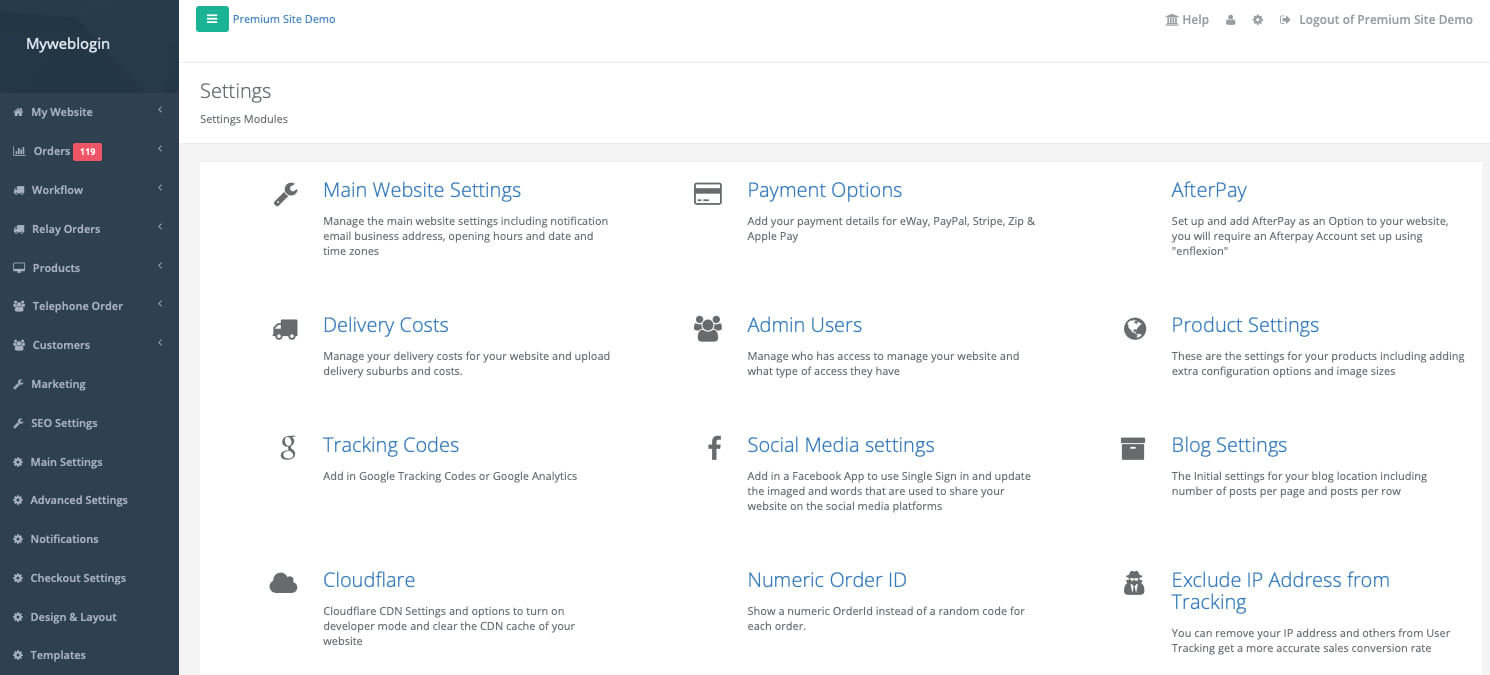
Main Settings
These are all the main settings for your site such s delivery costs, payment options, admin users etc.
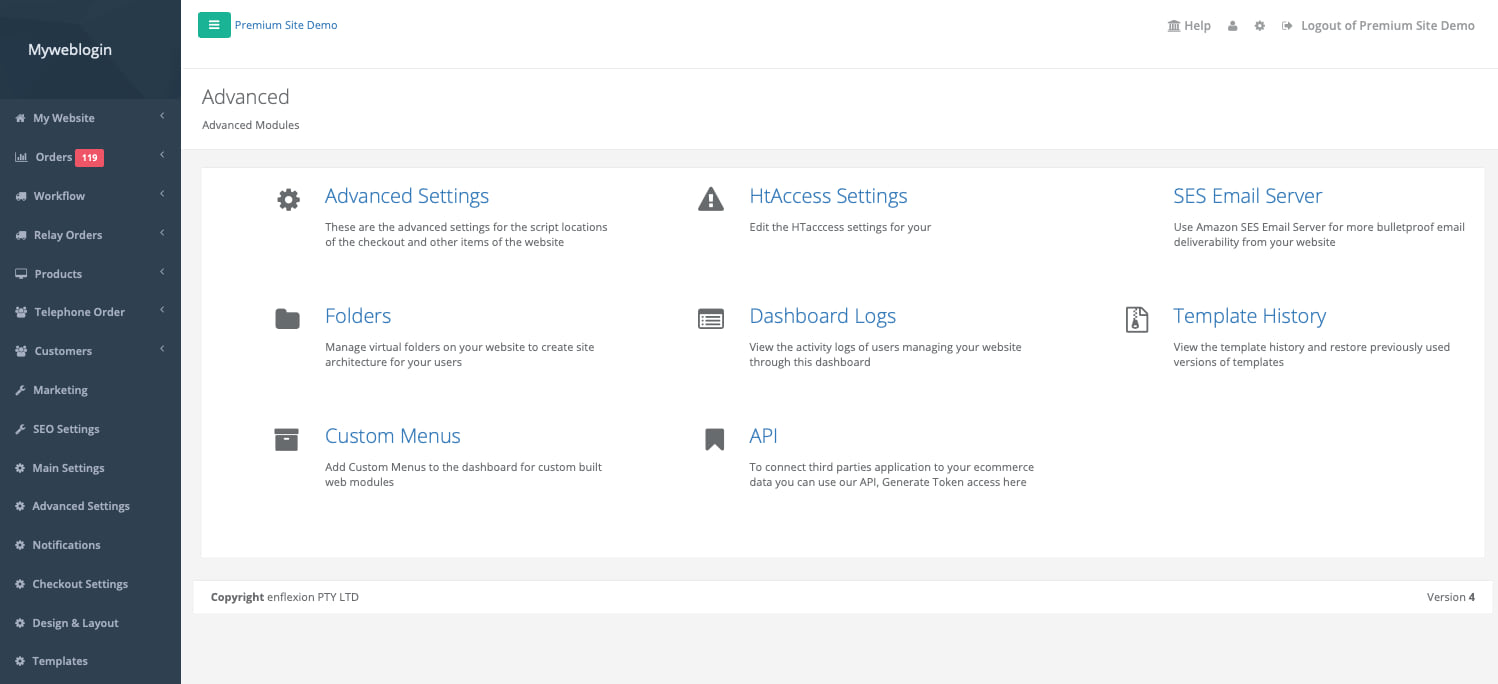
Advanced Settings
These are more of the settings that we might use to manage or customise your website
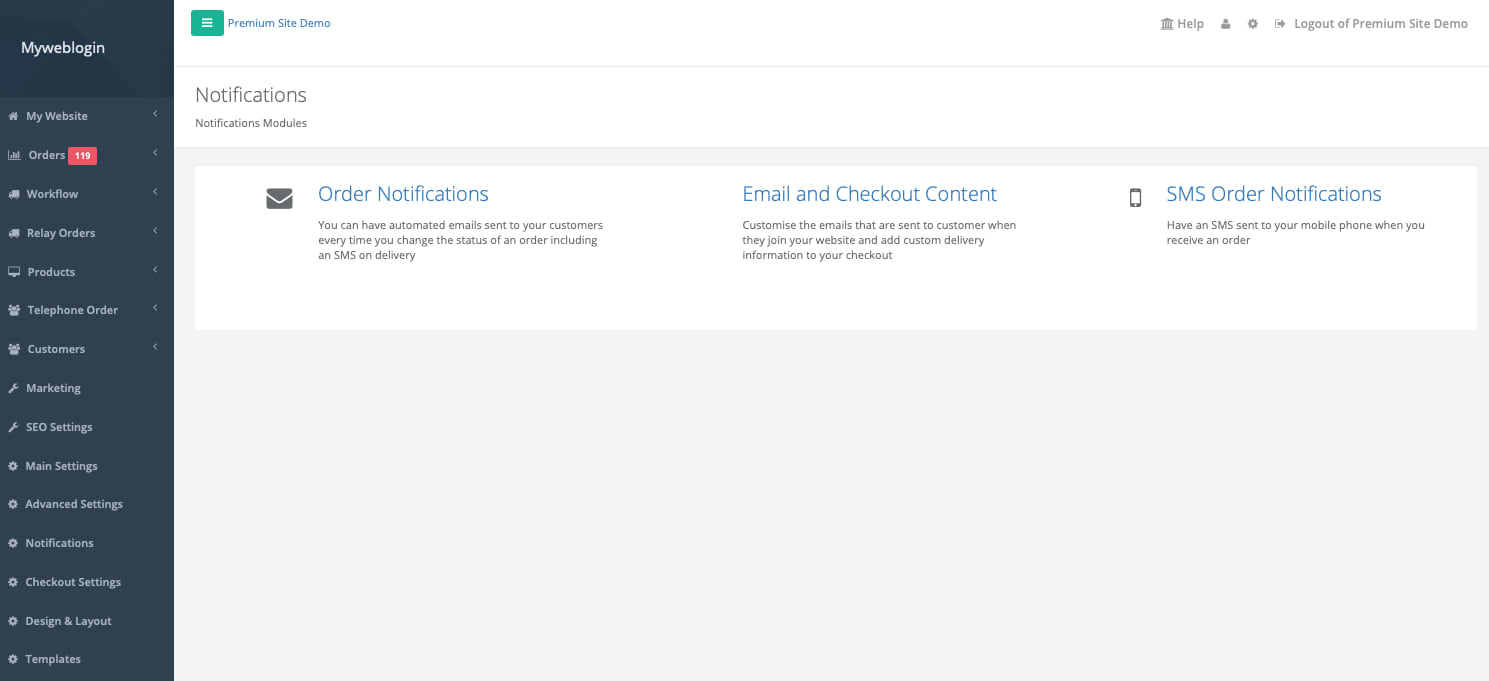
Notifications
You can manage all the emails, SMS's and notifications that are sent from your website to yourself and your customers!
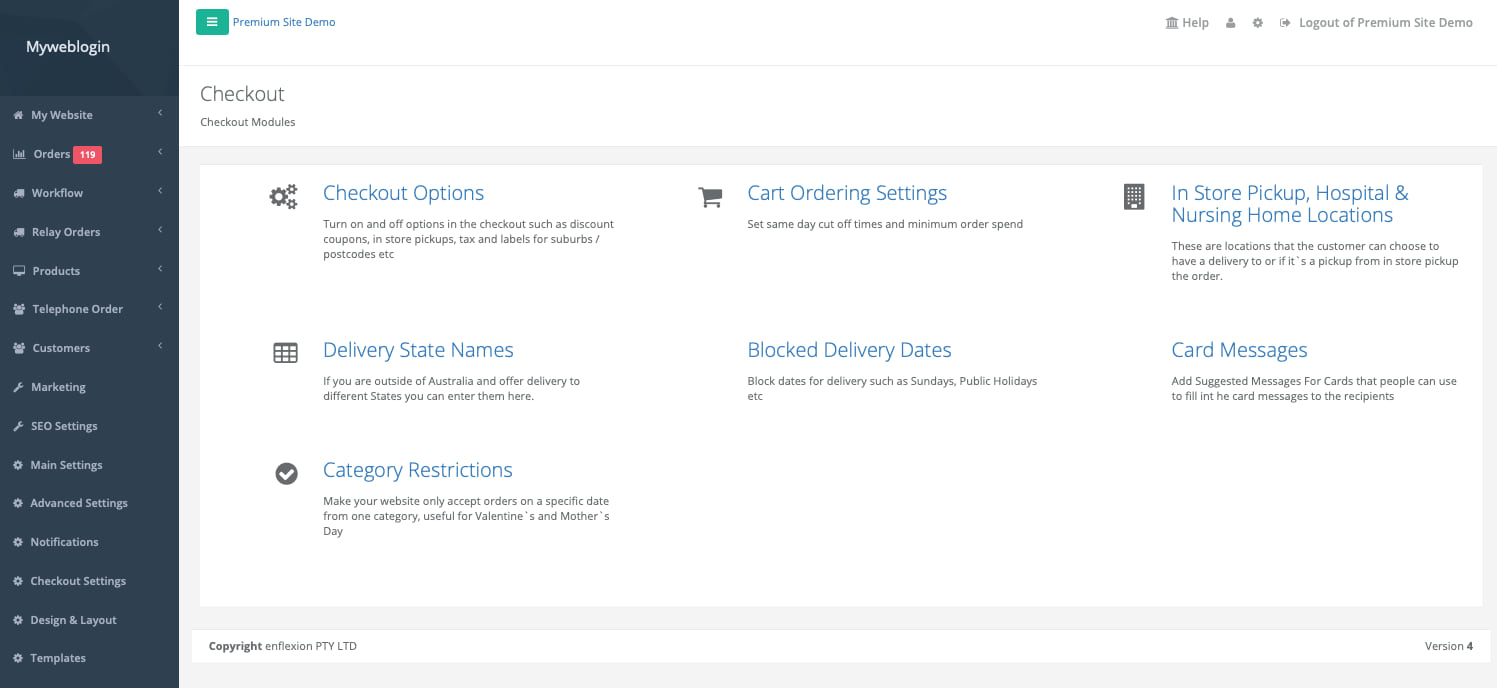
Checkout Settings
These are all the ways you can customise your checkout experience and changes things like same day cut off times.
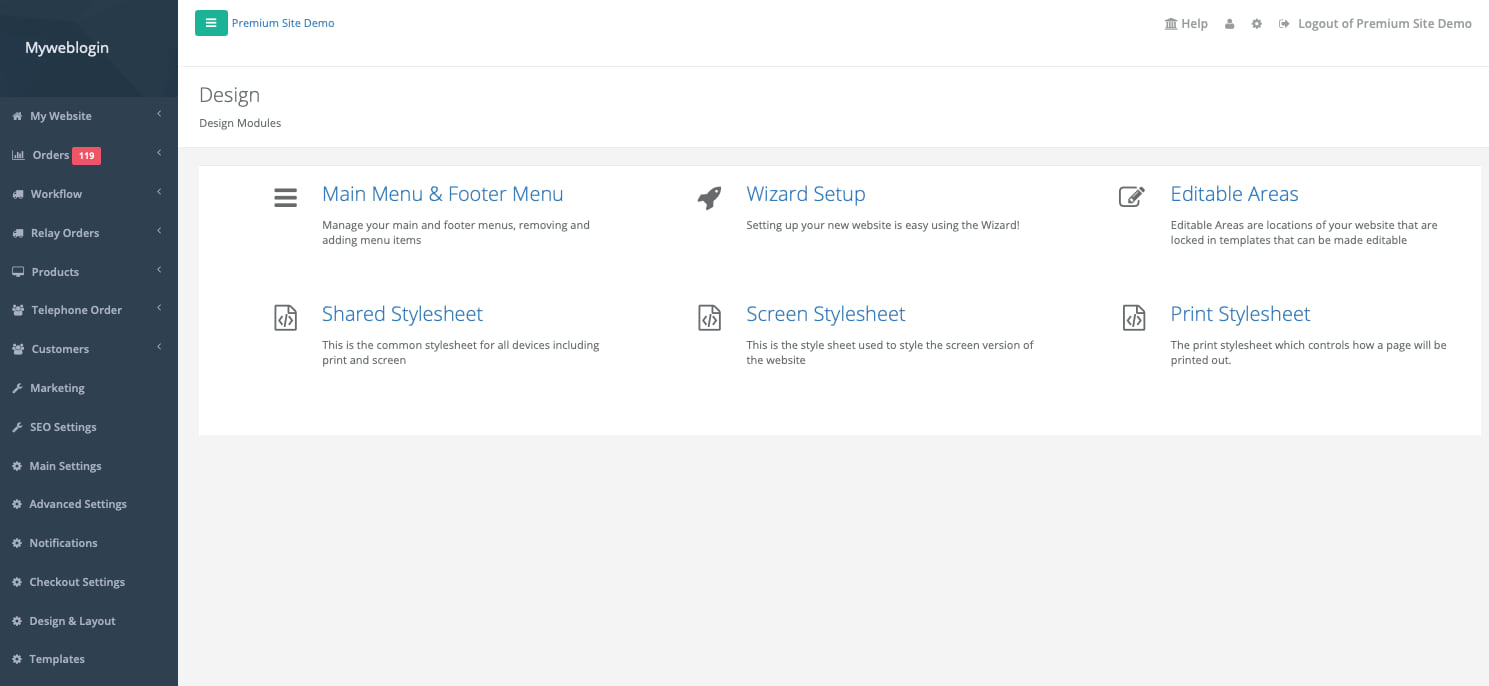
Design & Layout
You can manage your main menu and Editable areas of your website.
Templates
These are all the templates for your website.